Short answer
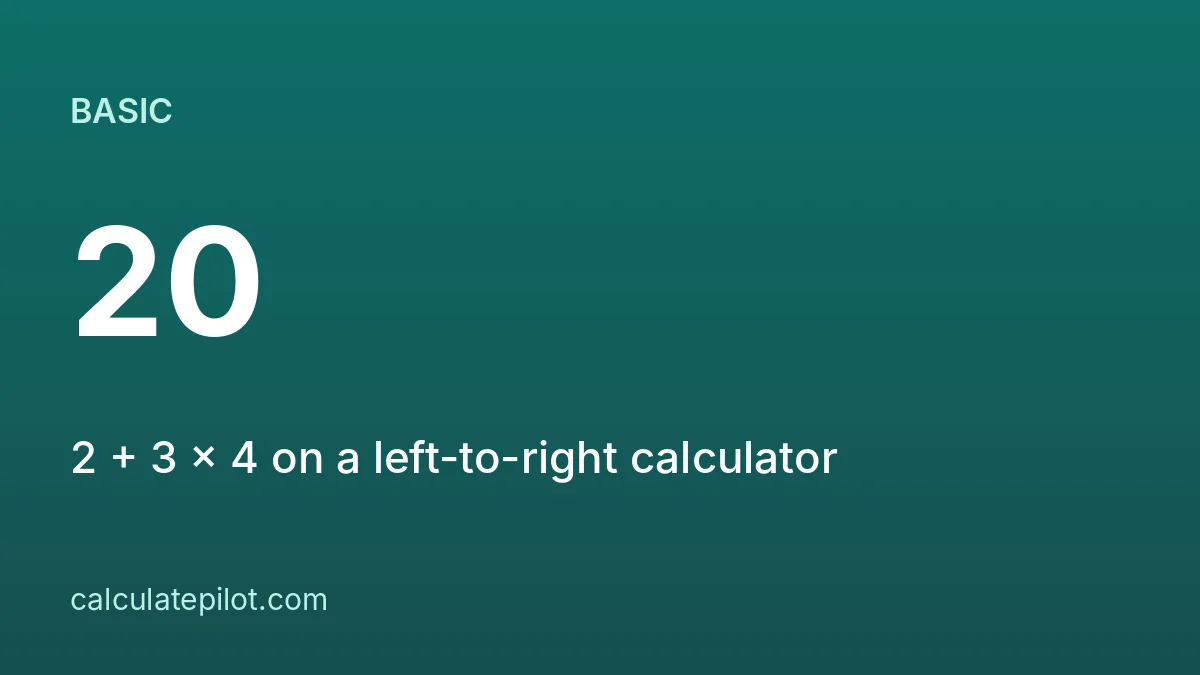
A basic calculator evaluates strictly left to right: 2 + 3 × 4 gives 20, not 14. Use C to clear the entry, AC to clear everything, % to divide by 100, and M+ / MR to store and recall a subtotal.
1. The basic flow
- 1Type the first number.
- 2Press an operator: +, −, × or ÷.
- 3Type the second number.
- 4Press = (or another operator to keep chaining).
2. What each key does
| Key | Action | Example |
|---|---|---|
| C | Clears the entry you are typing | Fix a typo mid-sum |
| AC | Clears everything pending | Start again |
| ± | Flips the sign | 5 becomes −5 |
| % | Divides the entry by 100 | 15 % gives 0.15 |
| √ | Square root | 144 √ gives 12 |
| x² | Square | 12 x² gives 144 |
| 1/x | Reciprocal | 8 1/x gives 0.125 |
| M+ / M− / MR / MC | Add to, subtract from, recall, clear memory | See the memory guide |
3. Left to right, not PEMDAS
Each operator is applied as soon as you press the next one. Entering 2 + 3 × 4 = gives 20 because 2 + 3 is worked out first. To get 14, calculate 3 × 4 first (12) and then add 2. More in left to right vs PEMDAS.
4. Common mistakes
- Pressing = between steps and losing a running total.
- Using % as if it meant “percent of”. It only divides by 100, so 80 × 15 % = is how you find 15% of 80 (12).
- Expecting brackets. A basic calculator has none.
5. Try it
Practise on the Basic Calculator. It also supports the keyboard: digits, + - * /, Enter, % and Esc for all clear. See how to use the % key and the memory keys.
6. Frequently asked questions
What is a basic calculator?expand_more
A calculator for everyday arithmetic: add, subtract, multiply, divide, percent, square root and memory, without brackets or functions.
What is the difference between C and AC?expand_more
C clears only the number you are typing. AC clears the whole calculation.
Why does a basic calculator give 20 for 2 + 3 × 4?expand_more
It applies each operator immediately, left to right. A scientific calculator follows PEMDAS and gives 14.
Can I use the keyboard?expand_more
Yes: digits, + - * /, Enter or =, % and Esc for all clear.
7. Sources
- menu_bookOrder of operations (Wikipedia)