Short answer
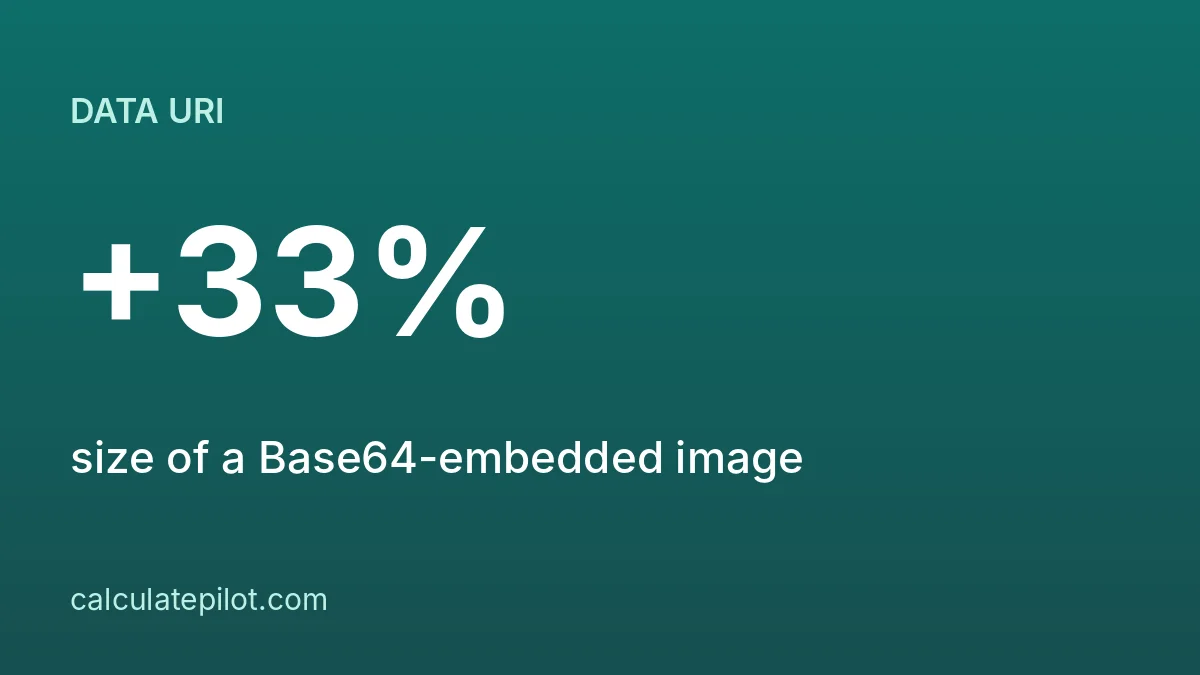
A Base64 data URI makes an image about 33% bigger: a 10 KB (10,240 byte) file becomes 13,656 characters, and 1 MB becomes 1,398,104. It saves a request for tiny assets but is a poor fit for large images.
1. What a data URI looks like
data:image/png;base64,iVBORw0KGgo... puts the whole file inside the HTML or CSS, with the media type before the Base64 text.
2. Size cost
| File size | Base64 characters |
|---|---|
| 1 KB (1,024 bytes) | 1,368 |
| 10 KB (10,240 bytes) | 13,656 |
| 1 MB (1,048,576 bytes) | 1,398,104 |
The formula is 4 × ceil(bytes ÷ 3), about 33% more, before the data URI prefix.
3. When it makes sense
- Very small icons or logos where one fewer request matters.
- Emails and single-file HTML where external files cannot be used.
4. When it does not
- Large photos: the text is bigger than the file and cannot be cached on its own.
- Images reused on many pages.
5. How to convert a file
On macOS or Linux, base64 image.png prints the encoding. This site's Base64 tool works with text and hex bytes, and shows the size change for any input.
More on the mechanics: how Base64 works.
6. Frequently asked questions
How much bigger is an image as Base64?expand_more
About 33% bigger, since 3 bytes become 4 characters.
Is a data URI faster?expand_more
Only for tiny assets where saving a request outweighs the extra size. Large images are usually slower.
Can browsers cache a data URI image?expand_more
Not separately; it is cached only as part of the page or stylesheet that contains it.
How do I convert an image to Base64?expand_more
Use a command such as base64 image.png, or a script in your language, then prefix with data:image/png;base64,.