Short answer
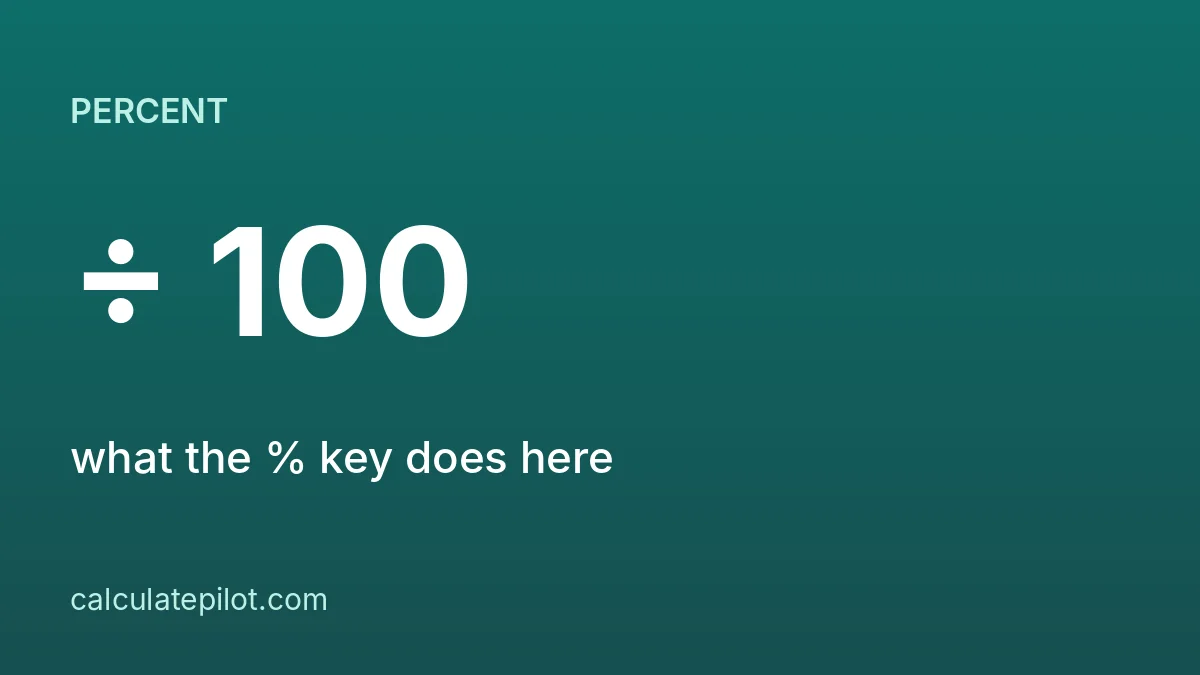
On the CalculatePilot Basic Calculator the % key divides the number on screen by 100. Multiply by that result: 80 × 15 % = 12 (15% of 80), 851 × 106 % = 902.06 (add 6% tax), 200 × 85 % = 170 (15% off).
1. The one rule
Press % after typing the percentage and it becomes a decimal: 15 % shows 0.15, 106 % shows 1.06. Then multiply as normal.
2. Worked examples
| Task | Keys | Result |
|---|---|---|
| 15% of 80 | 80 × 15 % = | 12 |
| Add 6% tax to 851 | 851 × 106 % = | 902.06 |
| 15% off 200 | 200 × 85 % = | 170 |
| 18% tip on 48.60 | 48.6 × 18 % = | 8.748 (about 8.75) |
| 8.25% of 50 | 50 × 8.25 % = | 4.125 |
3. Add or subtract a percentage
- Add p%: amount × (100 + p) %. For 6% tax use 106.
- Subtract p%: amount × (100 − p) %. For 15% off use 85.
4. What percent is A of B?
Divide, then multiply by 100: 18 ÷ 72 = 0.25, and 0.25 × 100 = 25. So 18 is 25% of 72.
5. Percent change
(new − old) ÷ old × 100. From 80 to 92 is 12 ÷ 80 = 0.15, so a 15% rise.
Not every physical calculator treats % this way, so check yours. Try the examples on the Basic Calculator, or use the Percentage Calculator, the Sales Tax Calculator or the Tip Calculator.
6. Frequently asked questions
What does the % key do?expand_more
On this calculator it divides the number on screen by 100, so 50 % shows 0.5.
How do I add 6% tax?expand_more
Multiply by 106 %: 851 × 106 % = 902.06.
How do I take 15% off?expand_more
Multiply by 85 %: 200 × 85 % = 170.
How do I find what percent one number is of another?expand_more
Divide the part by the whole and multiply by 100: 18 ÷ 72 × 100 = 25.
7. Sources
- menu_bookOrder of operations (Wikipedia)