Short answer
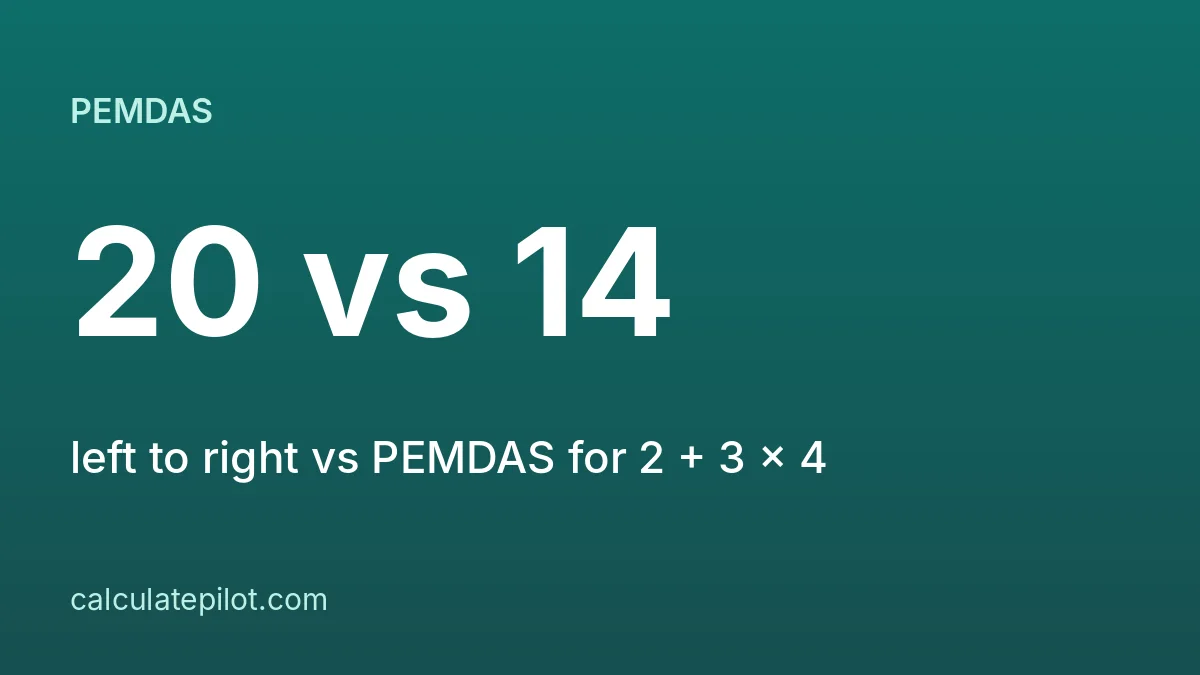
A basic calculator applies each operator as you press it, left to right, so 2 + 3 × 4 gives 20. PEMDAS does multiplication before addition and gives 14. To get 14 on a basic calculator, work out 3 × 4 first, then add 2.
1. Two conventions
- Left to right (basic calculators): the running total is updated each time you press an operator.
- PEMDAS / BODMAS (algebra, scientific calculators): brackets, then exponents, then multiplication and division, then addition and subtraction.
2. Examples
| Expression | Left to right | PEMDAS |
|---|---|---|
| 2 + 3 × 4 | 20 | 14 |
| 10 − 2 × 3 | 24 | 4 |
| 8 + 2 × 5 | 50 | 18 |
| 1 + 2 × 3 + 4 | 13 | 11 |
| 100 ÷ 5 × 2 | 40 | 40 |
The last row matches because multiplication and division share the same rank, so PEMDAS also goes left to right between them.
3. How to get the PEMDAS answer on a basic calculator
- 1Work out the multiplication or division part first: 3 × 4 = 12.
- 2Then add or subtract it: 12 + 2 = 14.
- 3For longer sums, store the product with M+, press AC, then use MR: 2 + MR = 14. AC does not clear memory; MC does.
4. When to use the Scientific Calculator
If your sum has brackets or exponents, use the Scientific Calculator, which follows the order of operations. For everyday adding up, the Basic Calculator is faster. Related: how to use a basic calculator.
5. Frequently asked questions
Why do two calculators give different answers?expand_more
One applies operators left to right as you type, the other follows PEMDAS.
What is PEMDAS?expand_more
Brackets, exponents, multiplication and division, then addition and subtraction.
Does 100 ÷ 5 × 2 change with the order?expand_more
No. Multiplication and division share a rank, so both methods give 40.
How do I get 14 for 2 + 3 × 4 on a basic calculator?expand_more
Calculate 3 × 4 = 12 first, then add 2.
6. Sources
- menu_bookOrder of operations (Wikipedia)